Starting today, you can download the first major version update of Videosync, version 2. We have seen important updates to version 1 before, but this release marks an even greater milestone.
In short
- Videosync 2 is now available for Windows and macOS.
- Redesigned user interface.
- Redefined and expanded instruments and effects suite
- Expanded connectivity options.
- Application wide Oklab blending capabilities.
The upgrade is free for existing Videosync users.
Download the new application from our website and activate your existing license on the License tab of the new Settings window
Announcement trailer
Feature highlights
Windows support
Videosync 2 marks the first release for the Windows platform, offering a fully-featured application identical to its macOS counterpart.
Cross-platform user interface
While rebuilding the UI architecture to support both platforms, we grabbed the chance to build a new, ergonomic control interface that brings together all essential settings into one convenient Settings window.
A redefined instruments and effects suite
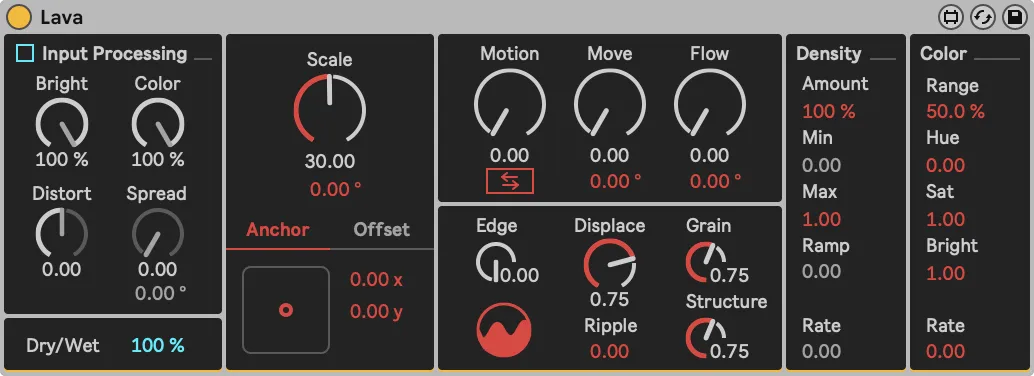
First of all, Videosync 2 comes with a new, feature-packed visual instrument: Lava. Lava complements the Voronoi device, and it too is a hybrid between a generator and an effect. Its image manipulation algorithms emulate the variability found in many natural systems, resulting in a colorful spectrum of evolving organic patterns.
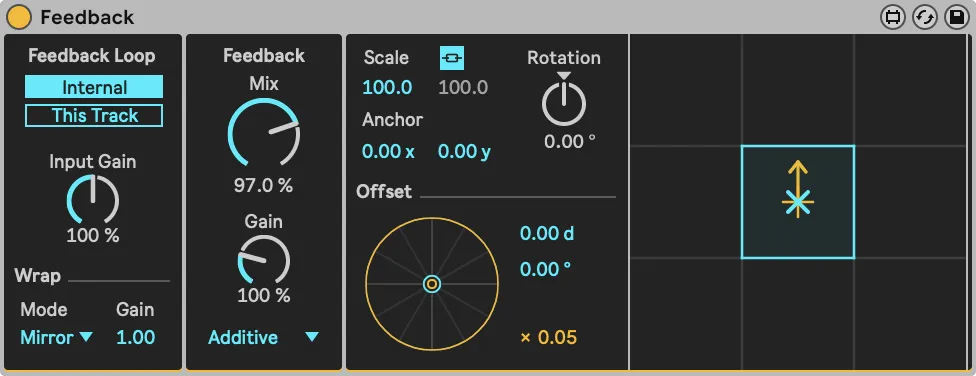
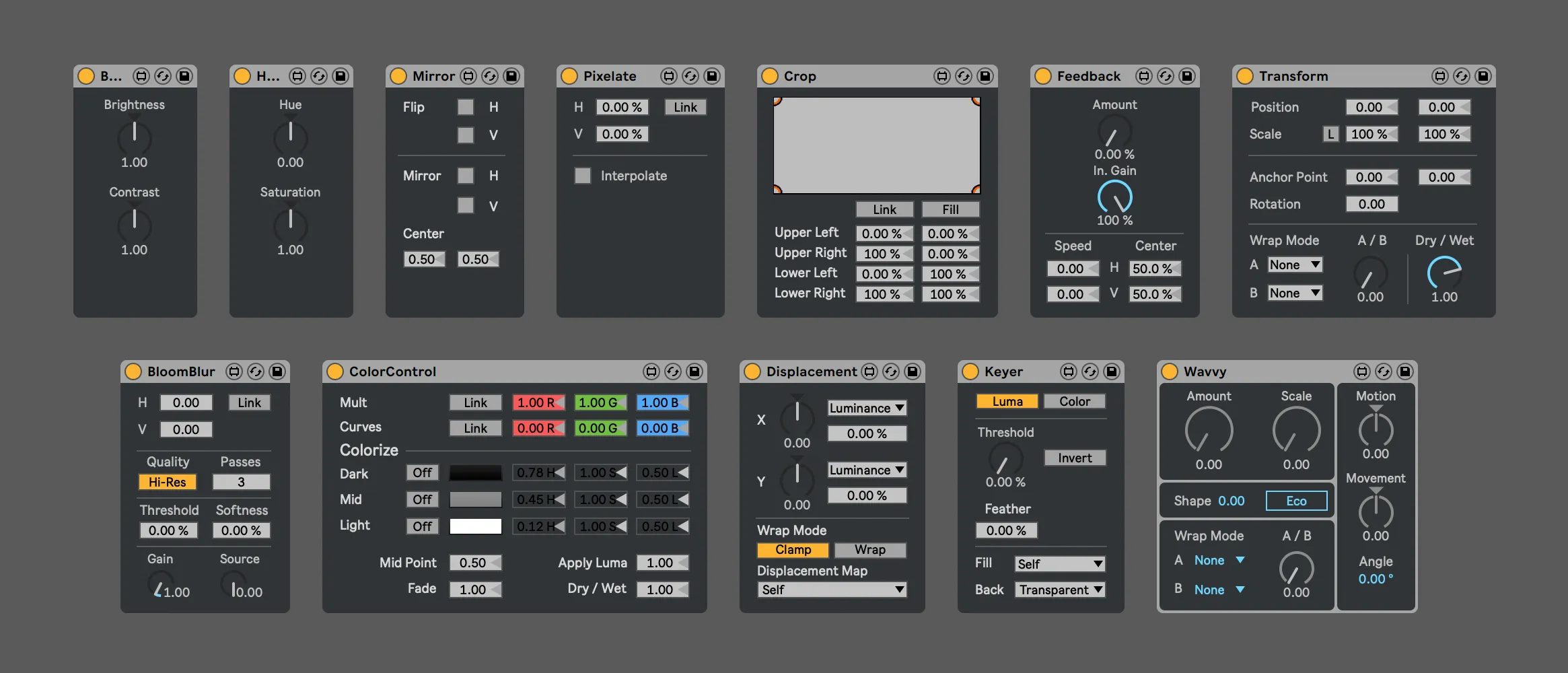
Besides that, we added new components in many existing devices, like the Bokeh and Sharpen modes in Blur, the Distance/Angle approach in Displacement and the Loop feature in Feedback.
Spanning across devices, we have re-invented additive alpha blending, which we will explain further in an upcoming blog post.
Oklab blending method
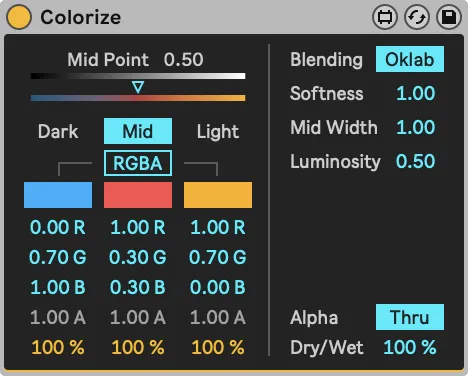
Most devices that deal with color now include a toggle to switch to the Oklab blending method. Regular RGB mixes colors with linear interpolation over the RGB channels. Oklab mixes the colors according to the Oklab color space, which generally produces more uniform looking transitions in terms of perceived brightness and color.
Updated reference manual
The Videosync manual has been updated and now contains several step-by-step guides on how to record Videosync’s output on Windows and Mac, as well as guides on how to connect Videosync over a network in various configurations.
Read the full 2.0 Release Notes here.