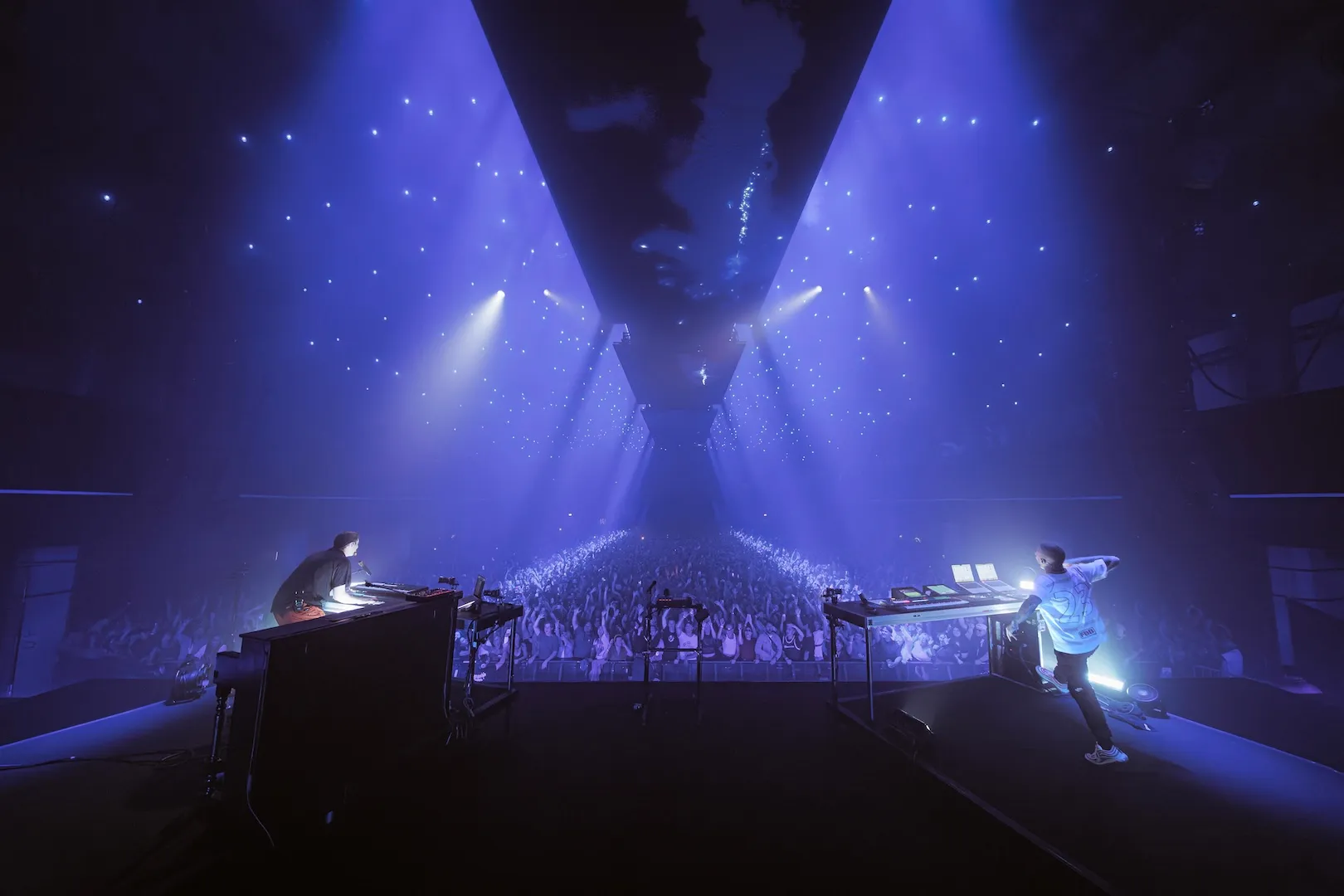
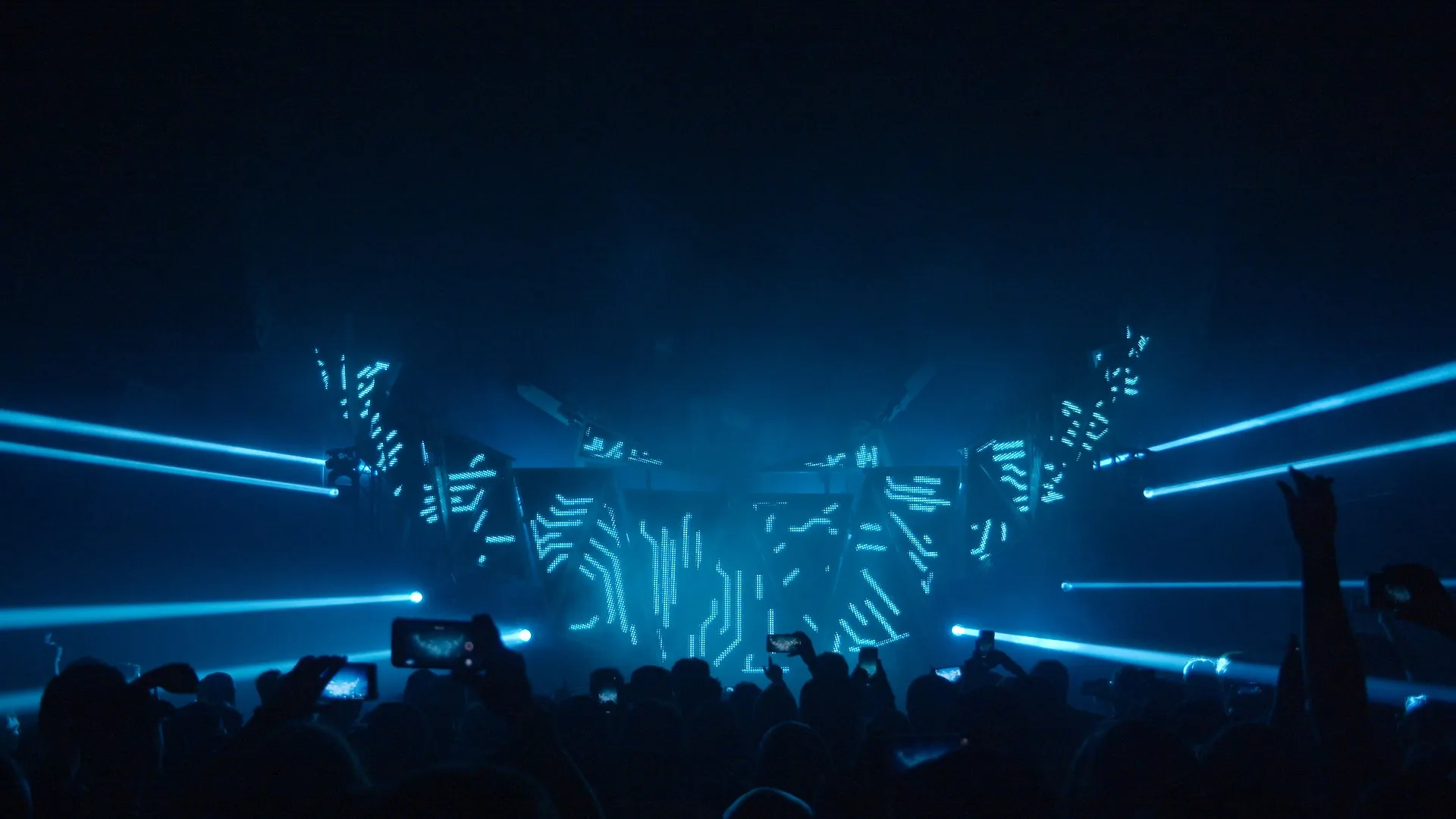
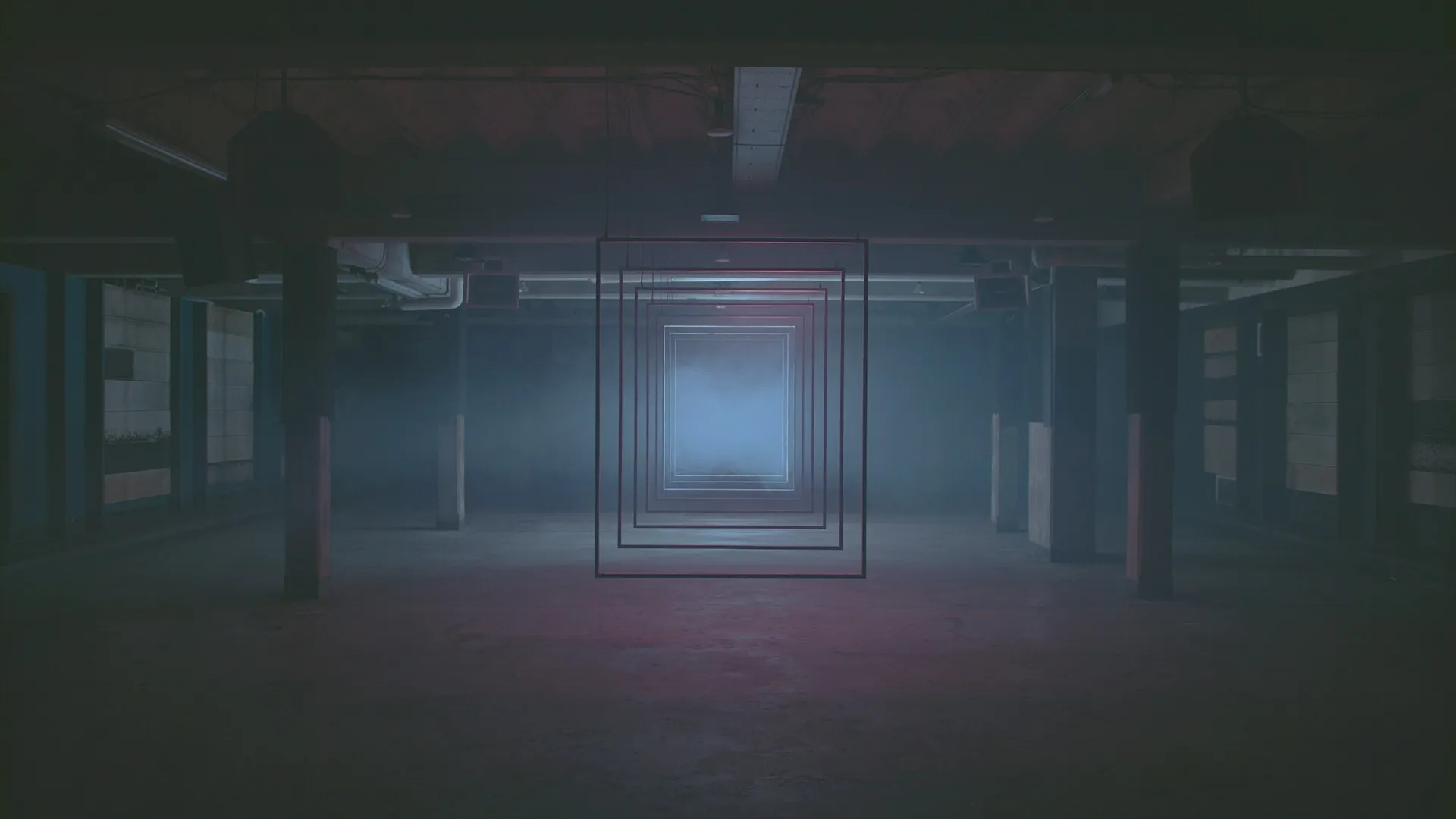
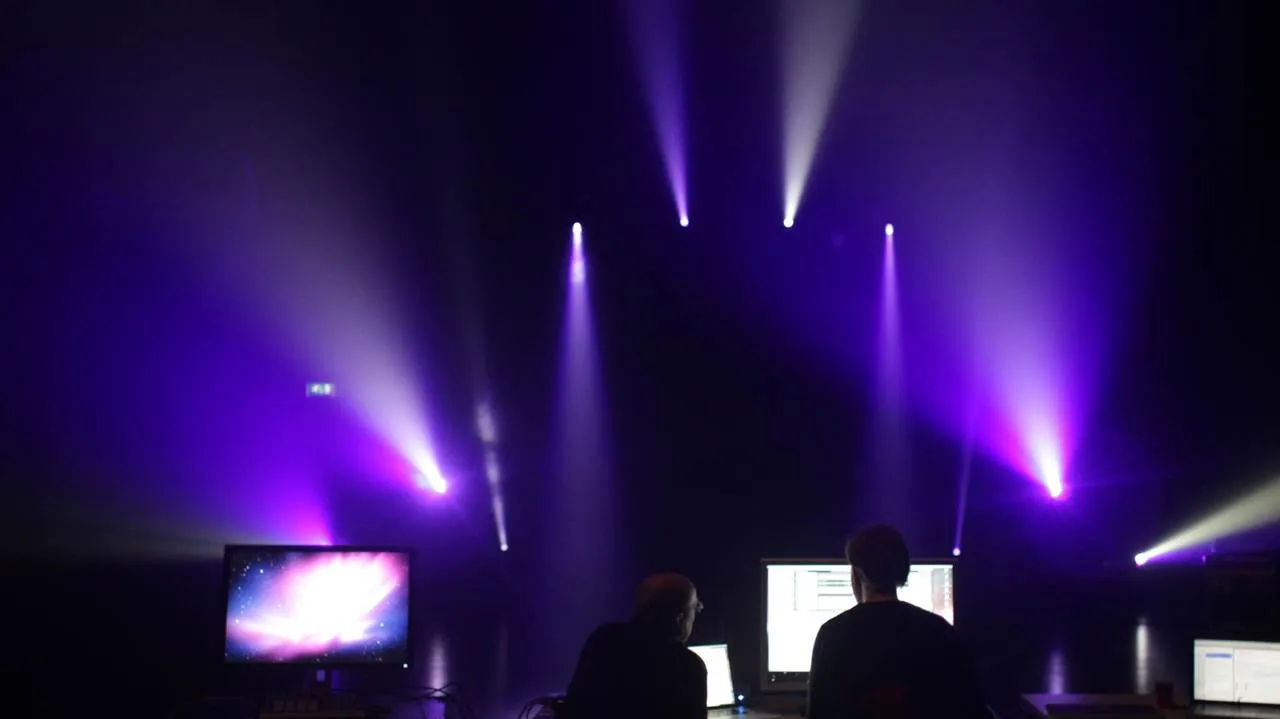
Full control over lighting, without sacrificing creativity. Beam gives you lighting composition directly from the musical grid and makes lights react to your playing. Turn Ableton Live into your lighting console.
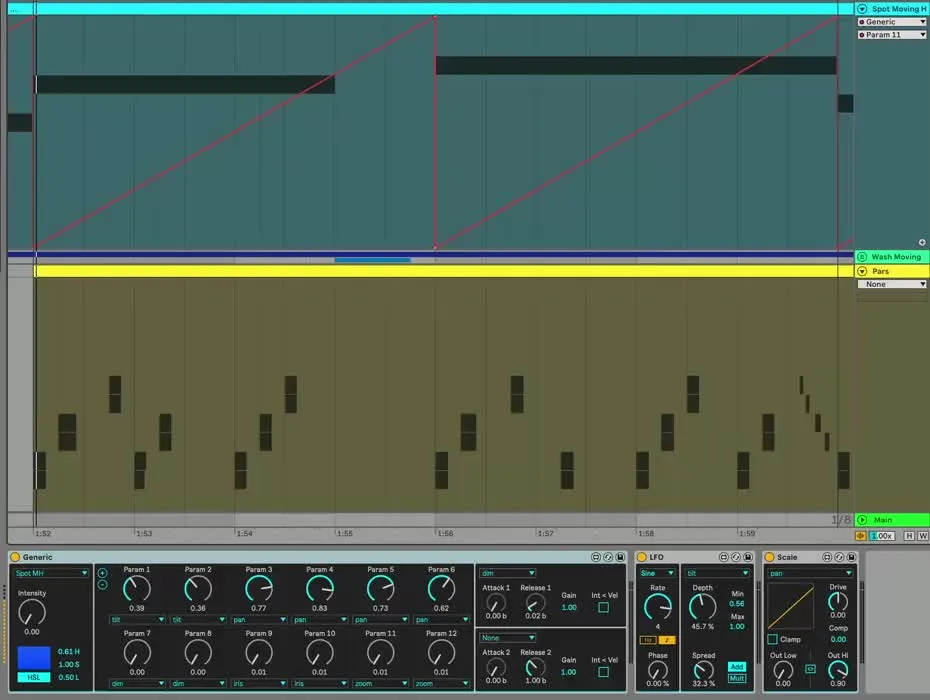
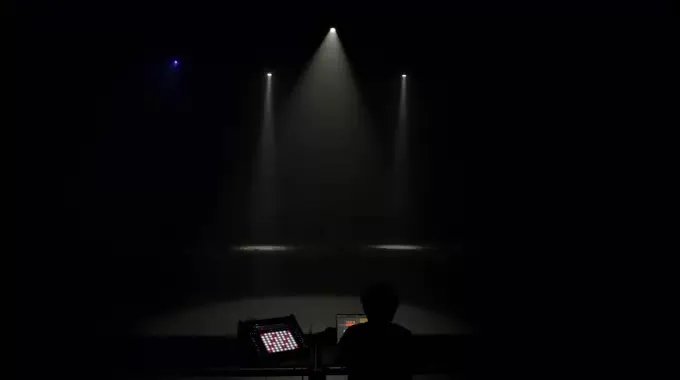
Lights for Live, and Live for lights
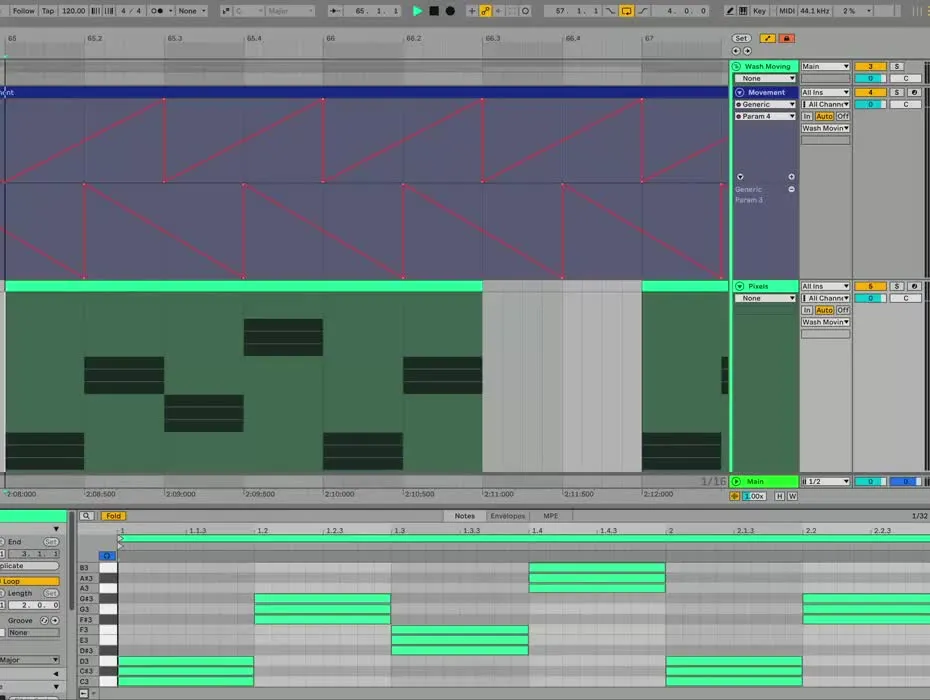
Use Live's automation, MIDI and signal flow features to control your lights. If you don't want to stop there, create your own Max for Live lighting devices using the Beam SDK.
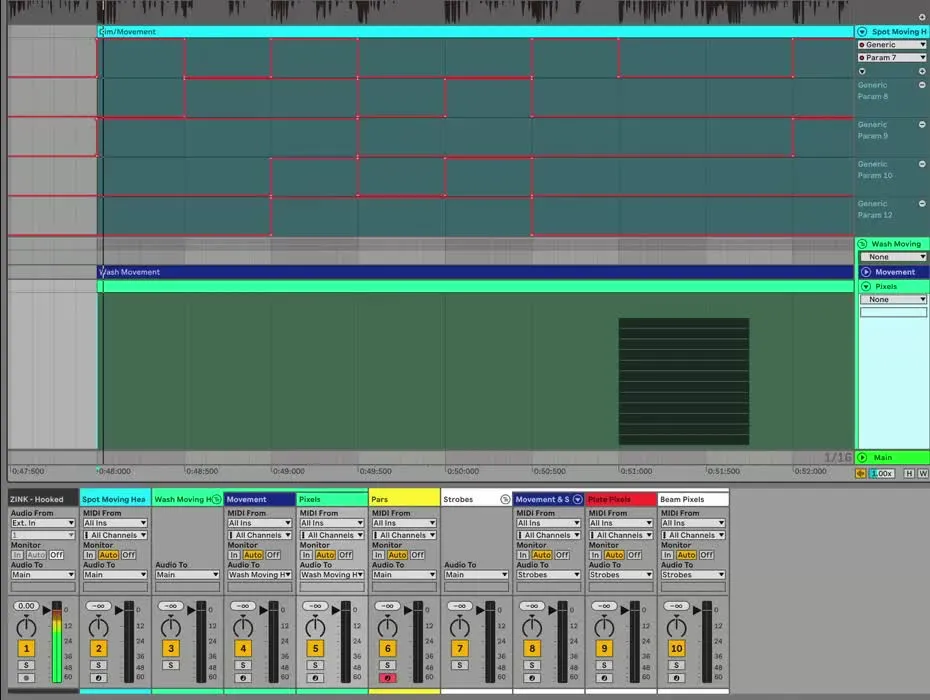
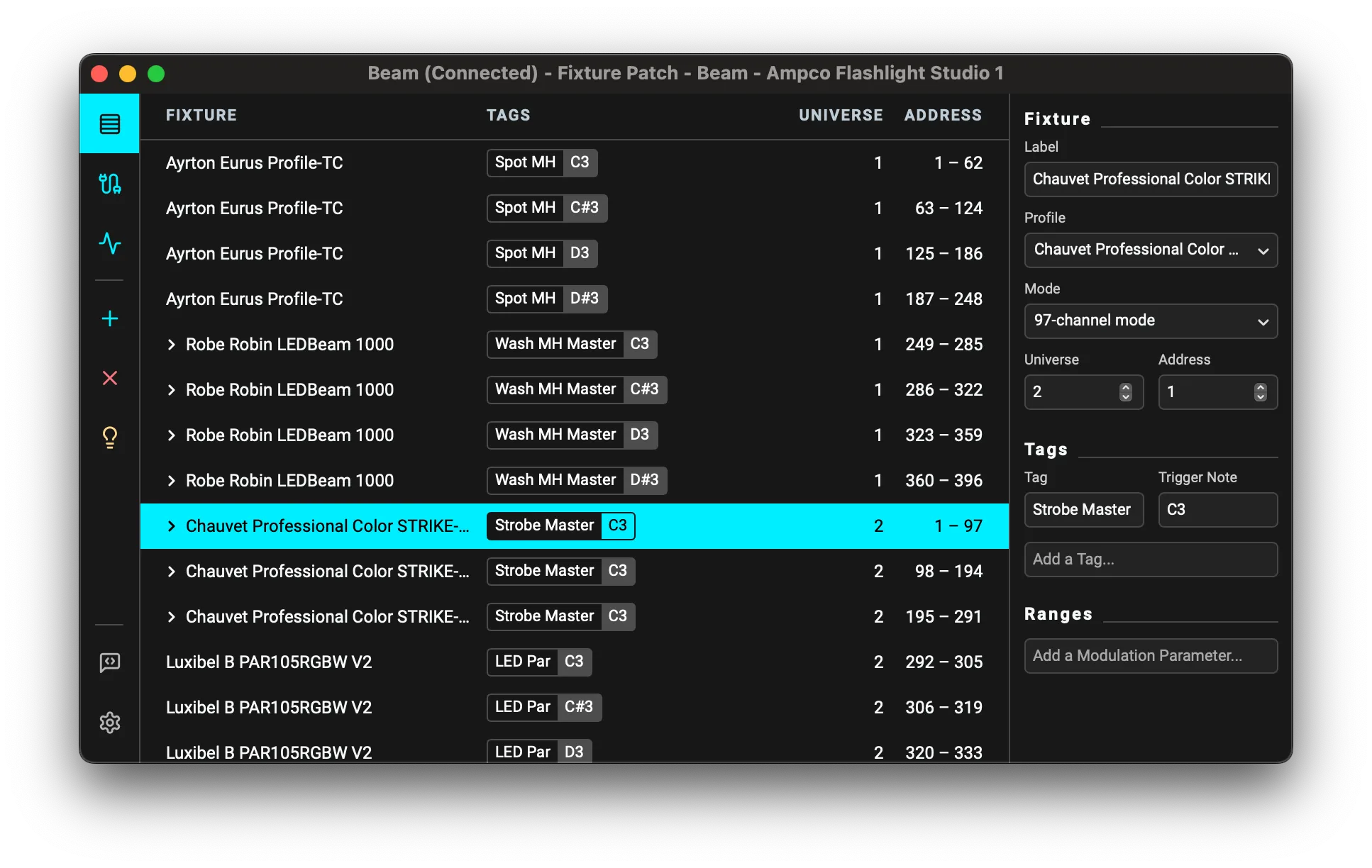
Control complex lighting setups
Control lights from various manufacturers with a single instrument. Perform on a new lighting rig without making changes to your Live Set; your set is decoupled from the lighting patch for maximum flexibility.
A direct connection
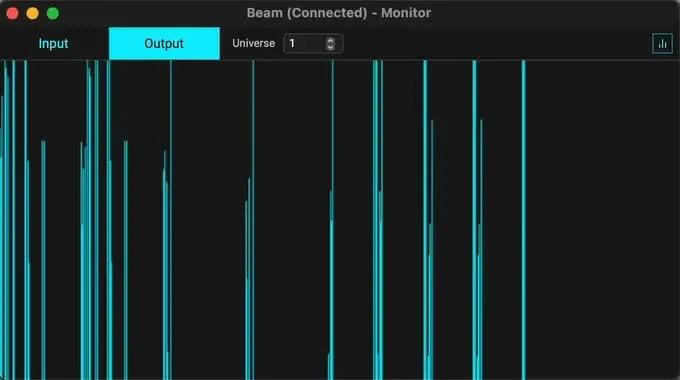
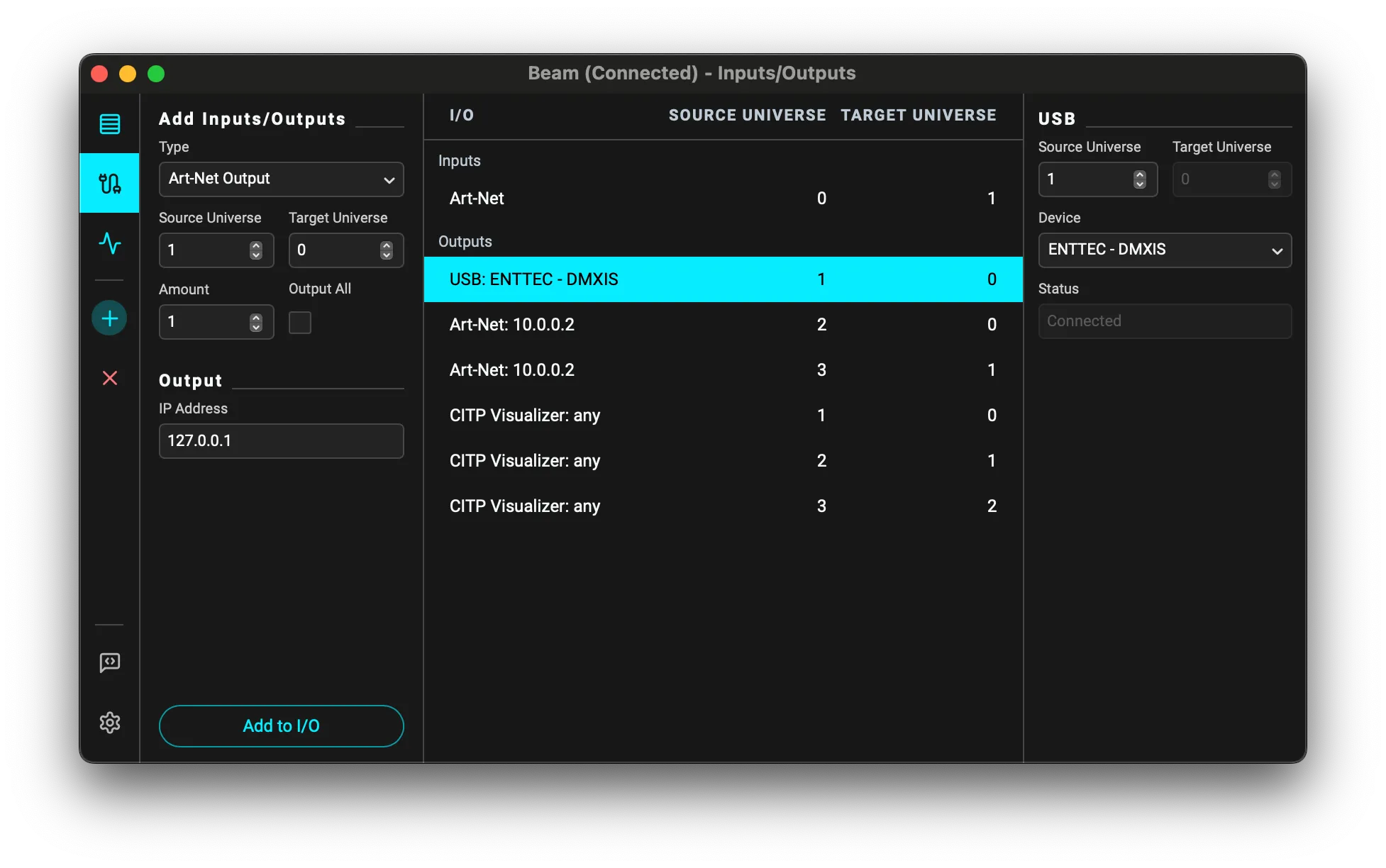
Connect Beam directly to your lighting setup without the need of a lighting desk. Send out unlimited universes over Art-Net, or connect with a range of supported USB-DMX devices.
New in Beam for Live 2
Windows support
Beam for Live 2 marks the first release for the Windows platform, offering a fully-featured application identical to its macOS counterpart.
Improved performance
Beam for Live is now more efficient, allowing you to work with an even larger number of fixtures with a lower CPU load.
New user interface
Introducing a new, streamlined user interface for both Windows and macOS. This elegantly designed interface brings together all essential settings into one convenient window, providing a smoother user experience.
New fixture profile schema
Now supporting the advanced SBF v3 format, Beam enables expanded fixture compatibility, improved color handling, and multi-mode support within a single profile. Enhanced cell support consolidates complex fixture data, and the Test function now activates any channel for setup.
Extended connectivity options
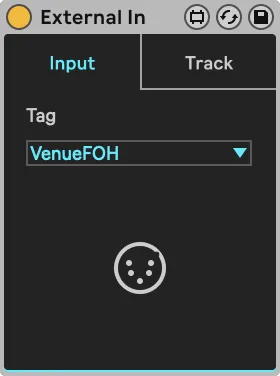
New connectivity options include Art-Net Input, more flexible DMX routing, and CITP output for seamless visualizer integration. Additionally, the new External In device enables smooth handling of DMX input from external consoles and software.
Playground visualizer
Now bundled with two demo projects, Beam for Live lets you get started without extra hardware. The Demo Project offers a virtual stage with a pre-made composition, while the Playground provides a flexible setup with common lighting fixtures. Both are accessible from the Beam menu.
Instruments and effects
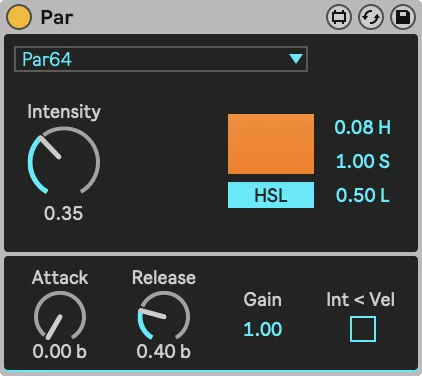
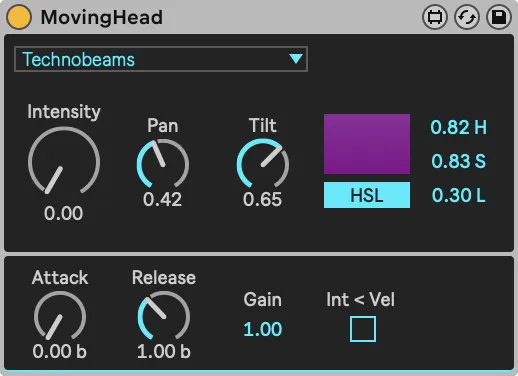
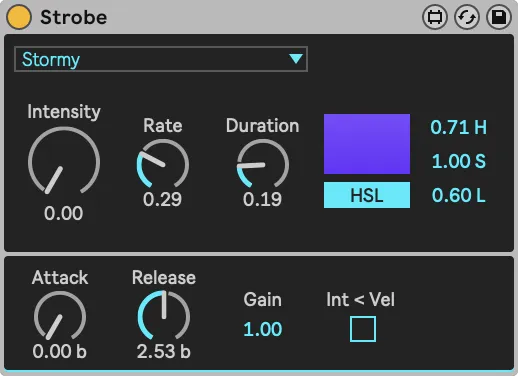
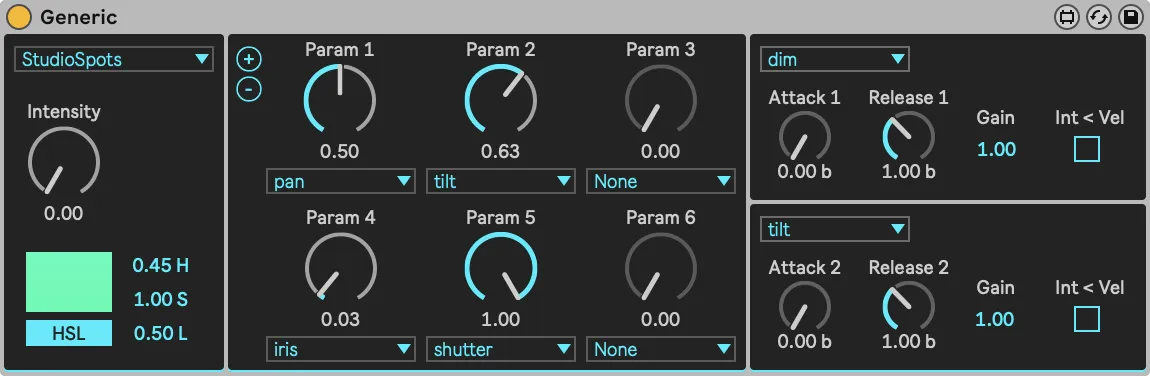
Fixture Profiles
The amount of supported fixtures increases with every update, but in case you are missing one or more fixture profiles in Beam, you can submit a fixture profile request, or create your own using the web fixture editor.
Support
We're here to help. Sign up on our forum, join our Community Discord server, or email us directly.
Buy Beam for Live
Beam for Live
- Play with lights in Session View and Arrangement View
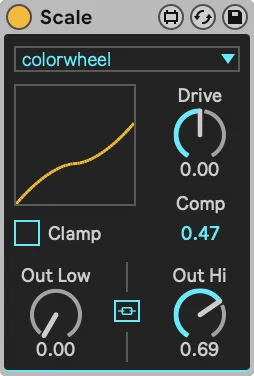
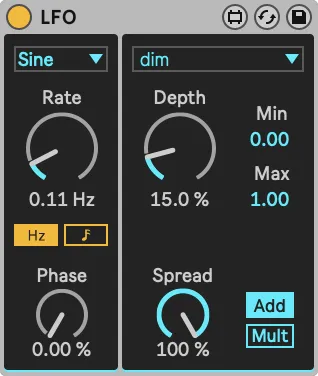
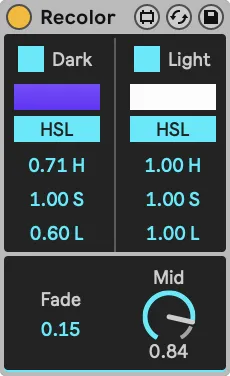
- 8 Lighting instruments and effects
- Plugin SDK
- Automatic translation to DMX via fixture profiles
- RGB, RBGW, and CMY color mixing
- DMX out/in via Art-Net and USB interfaces
- Unlimited number of IO universes
- Connect to visualizers via CITP
- Networked Mode
Educational discounts available. Click here for more information.
Bundle lighting with visuals
Purchase Beam for Live and Videosync together and receive a discount of 10%
Buy the bundle
Looking to control lights with Cycling '74's Max instead?