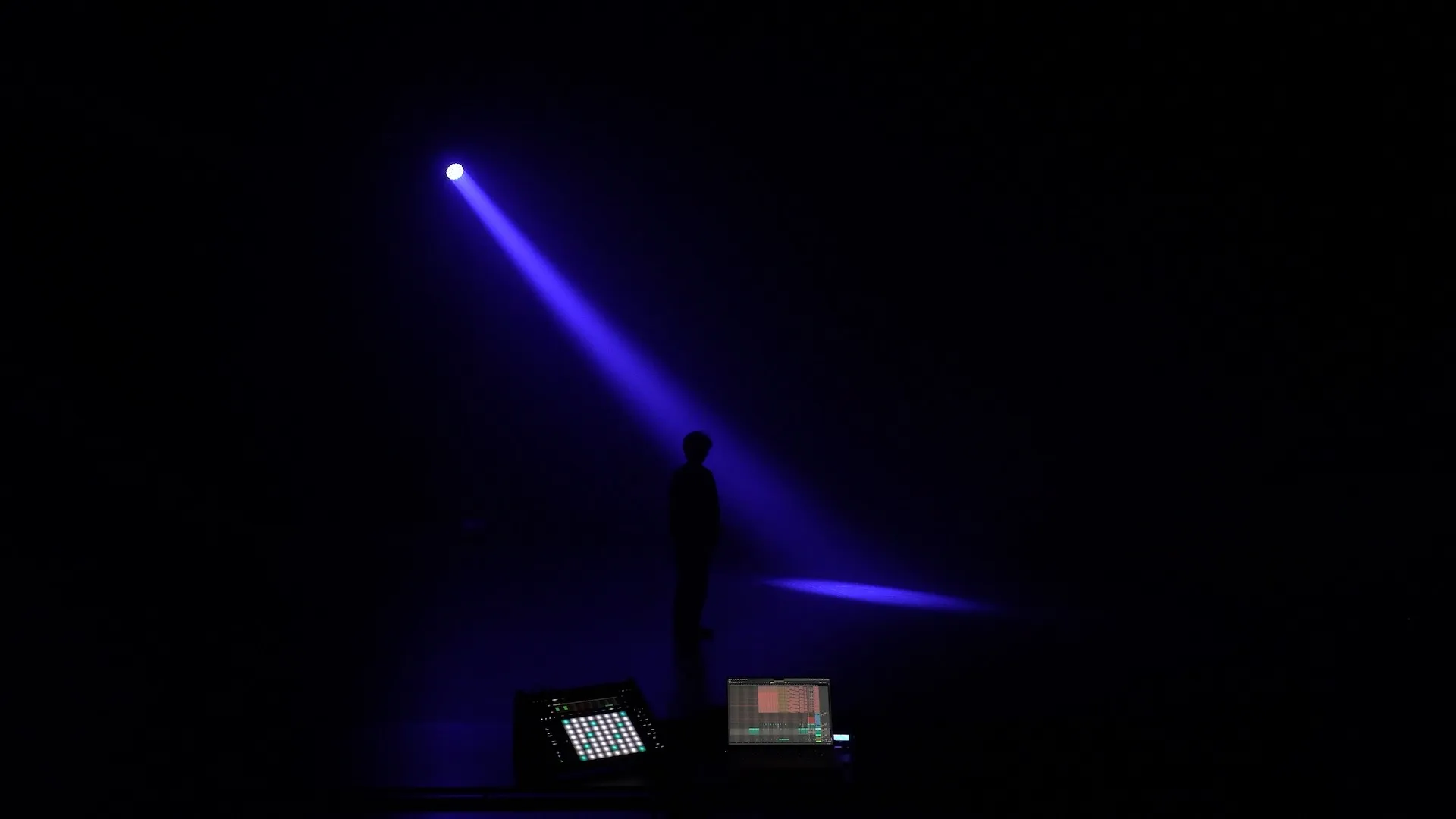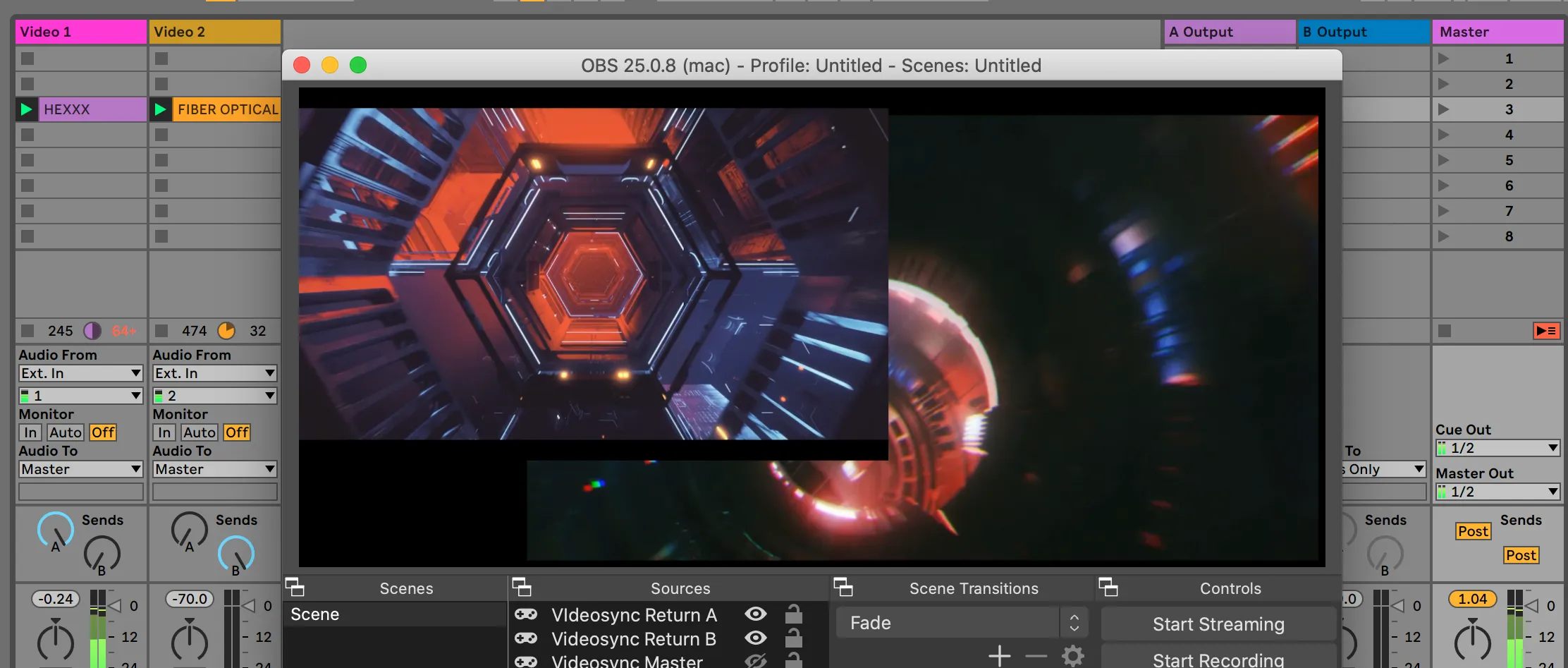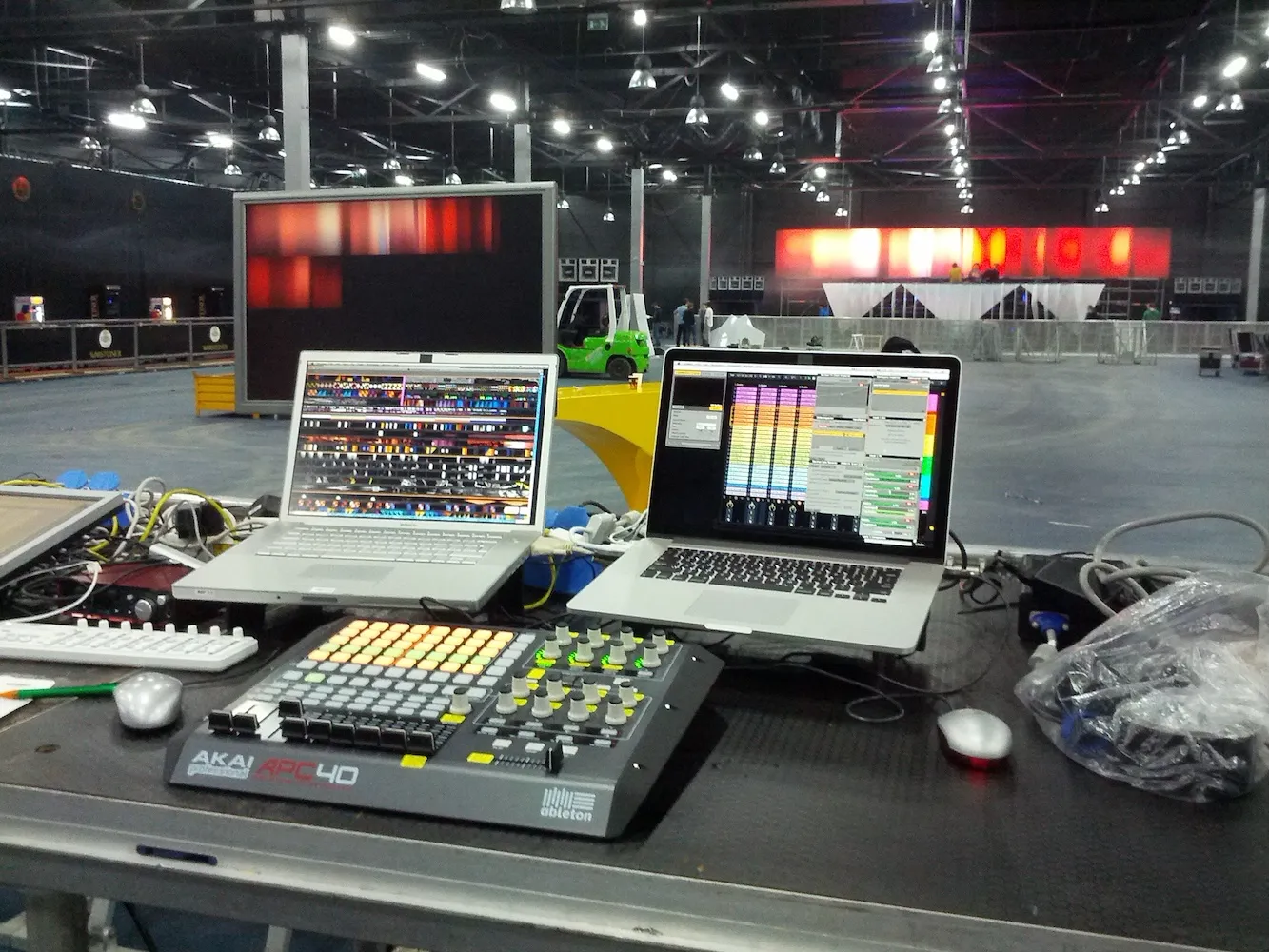
We’re excited to announce the first major upgrade for Beam for Live, version 2. You can download it from our website today!
In short
- Beam for Live 2 is now available for Windows and macOS.
- New fixture profile format, unlocking support for more fixtures.
- Redesigned user interface.
- Expanded connectivity options.
The upgrade is free for existing Beam for Live users. Download the new application from our website and activate your existing license on the License tab of the new Settings window.
Announcement trailer
Feature highlights
Windows support
Beam for Live 2 marks the first release for the Windows platform, offering a fully-featured application identical to its macOS counterpart.
Stay immersed in your music
Use Live’s automation, MIDI and signal flow features to control your lights. Work on the musical grid, and turn Live into your lighting console.
Control any lighting fixture
Control lights from various manufacturers with MIDI instruments. Perform on a new lighting rig without making changes to your Live Set; it is decoupled from the lighting patch for maximum flexibility.
Harness the power of DMX
Connect DMX through USB, Art-Net or CITP visualizers and play lighting instruments with MIDI notes. Send out any number of universes over Art-Net, or connect with a range of supported USB-DMX devices. Receive DMX from lighting consoles or other lighting software and process it with Beam’s effects.
Demo lighting visualizers
Now bundled with two demo virtual lighting rigs, Beam for Live lets you get started without immediately requiring hardware.
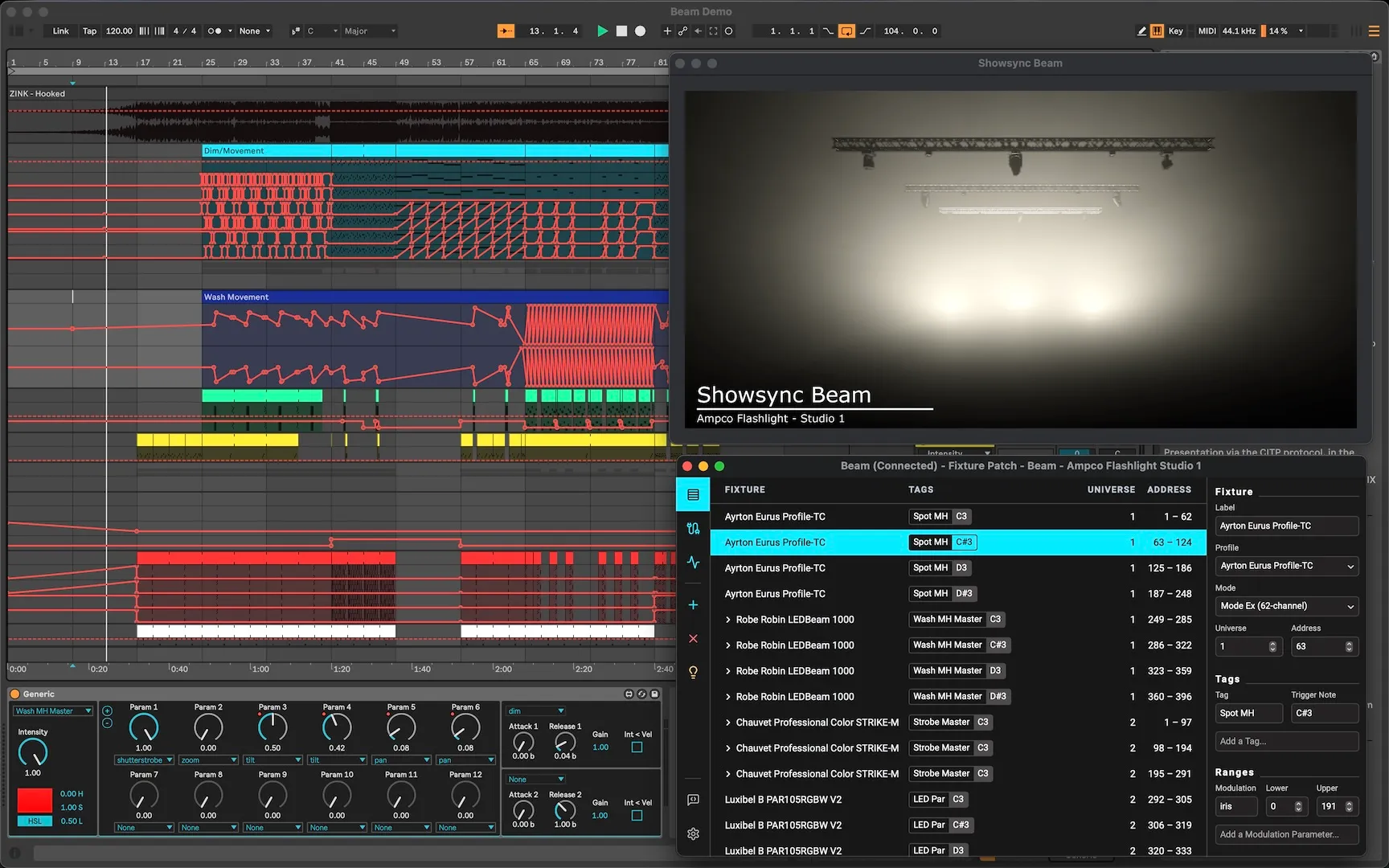
New user interface
Introducing a new, streamlined user interface for both Windows and macOS. This elegantly designed interface brings together all essential settings into one convenient window, providing a smoother user experience.
Improved performance
Beam for Live is now more efficient, allowing you to work with an even larger number fixtures with a lower CPU load.
Read the full 2.0 Release Notes here.