Videosync enables you to treat video as audio inside Ableton Live. Bring your visuals to life with Warp Markers, Racks, Macros, Simpler, Automation, Modulation, and much more.
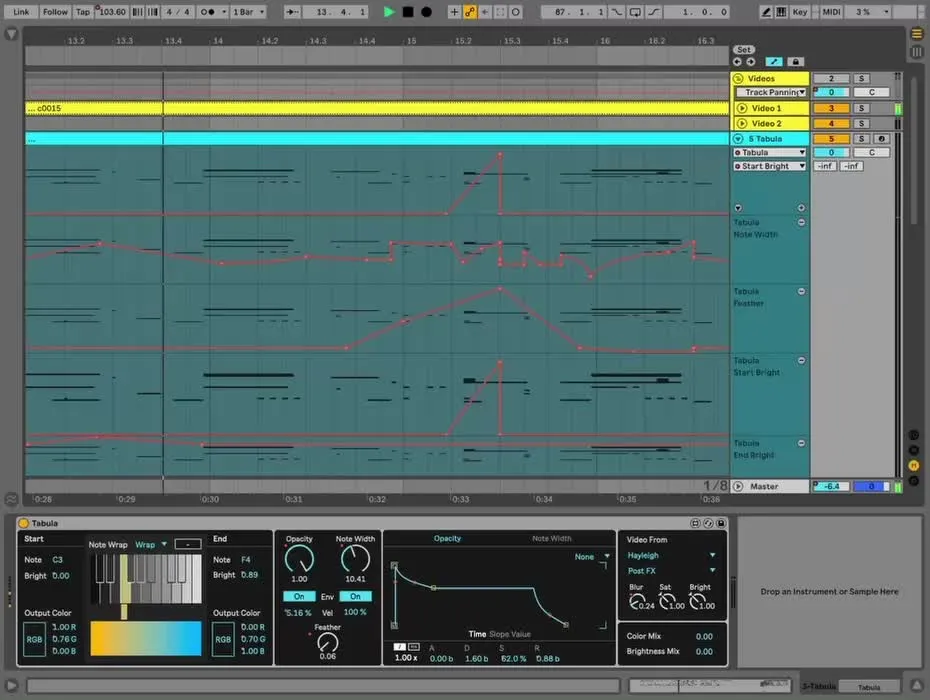

Arrangement View
Use Live’s musical timeline to craft audiovisual compositions. Blend audiovisual tracks, program visual instruments on the note grid and script video effects with automation.
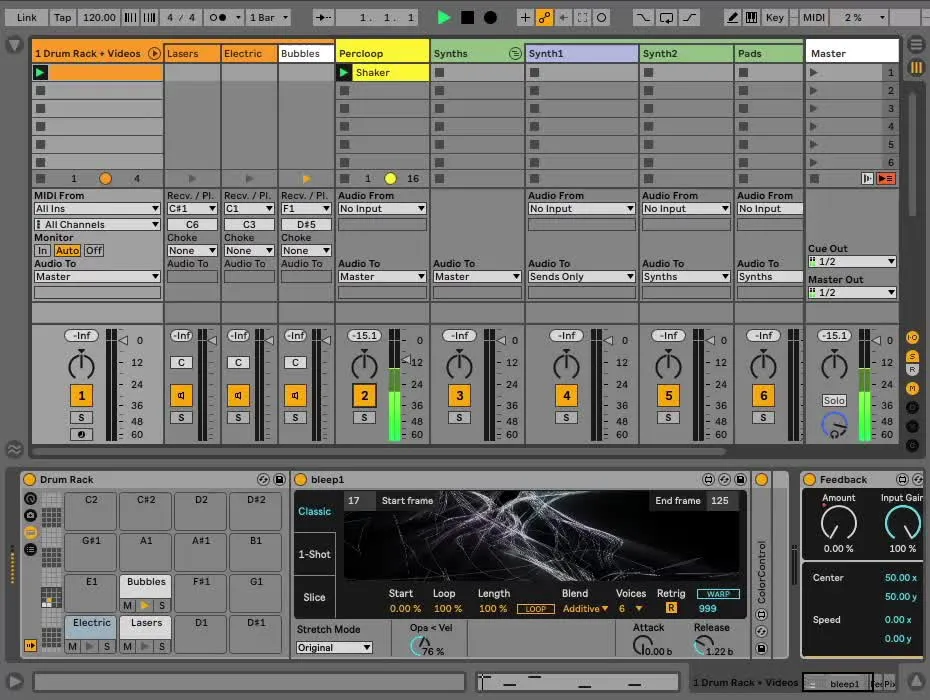
Session View
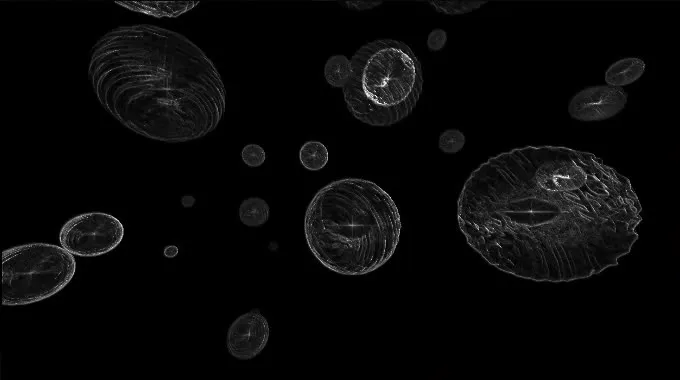
All the tricks in Live’s Session View now apply to video as well, enabling flexibility while performing live, including Follow Actions, Group Tracks, Routings, and more.
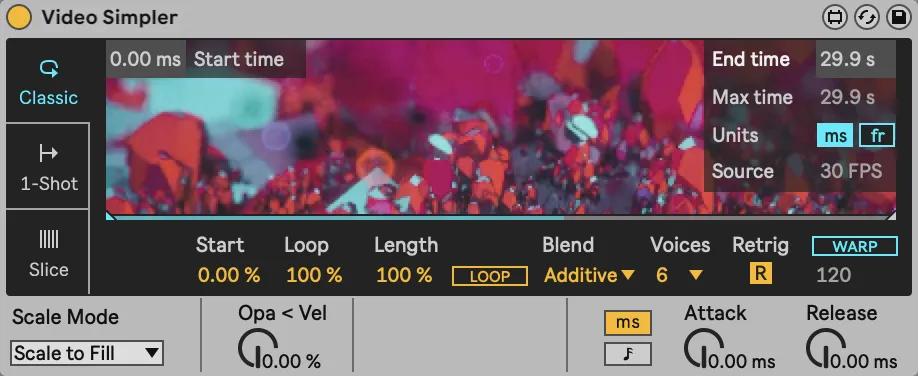
Instruments
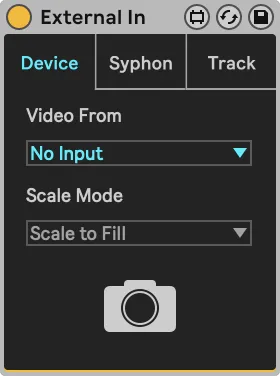
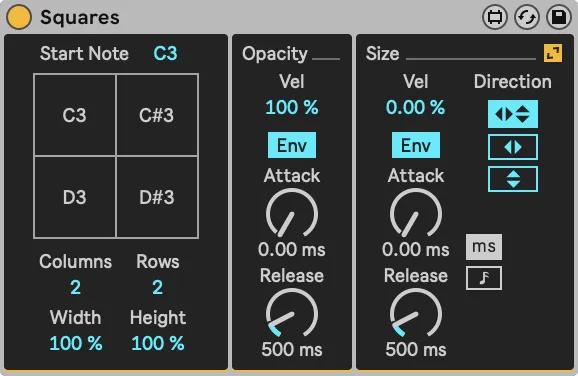
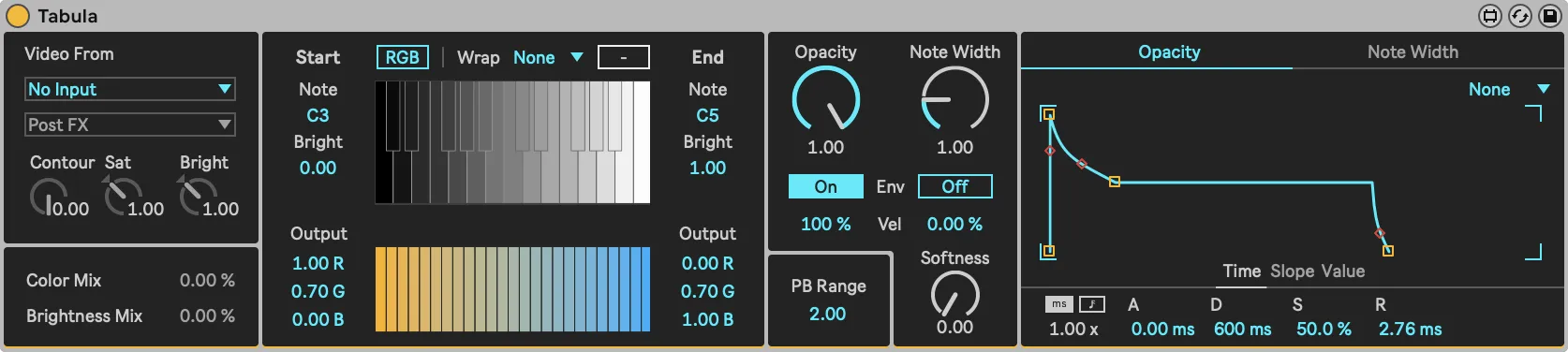
Effects
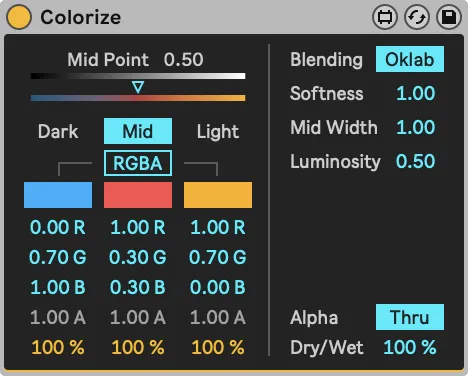
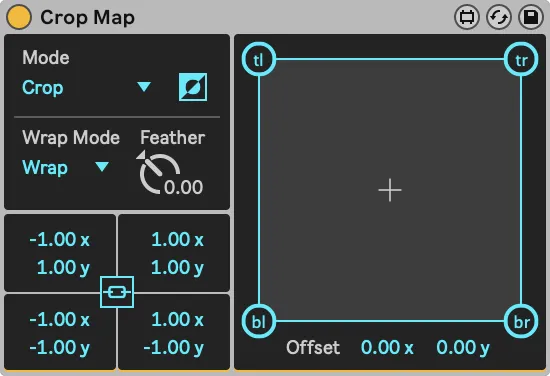
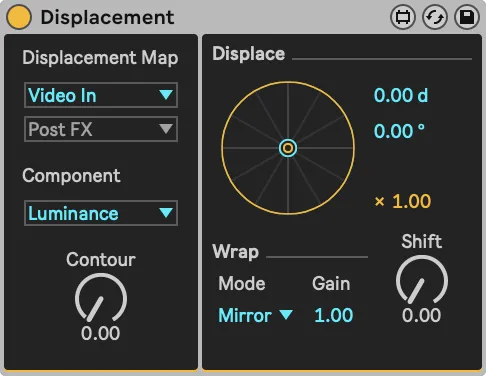
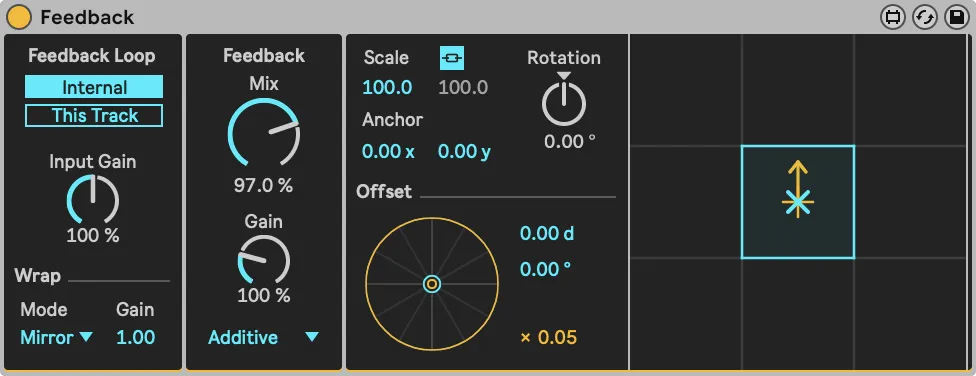
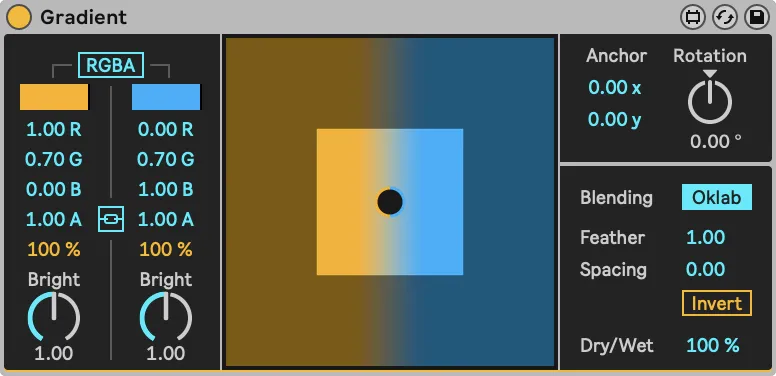
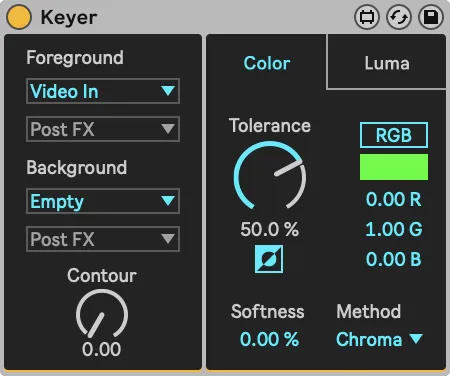
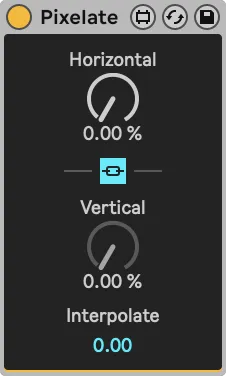
ISF Shader
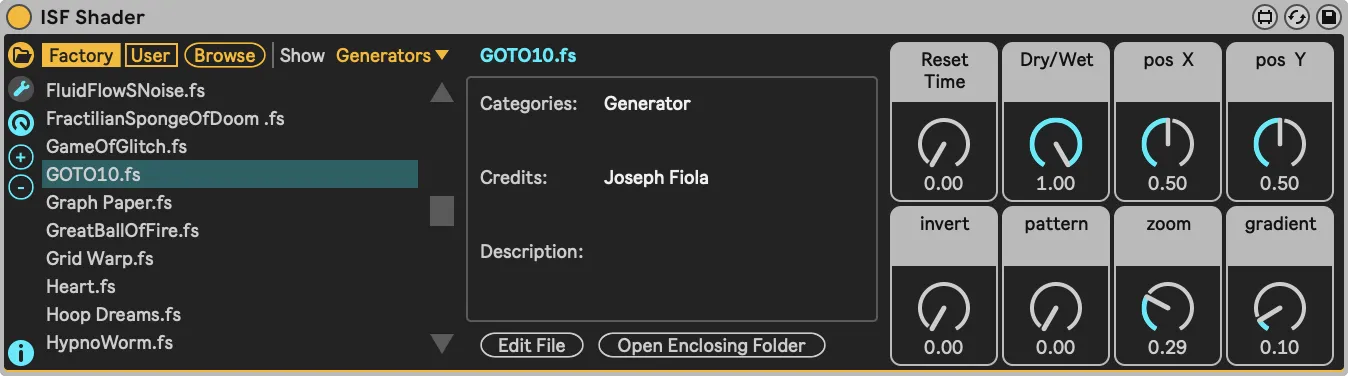
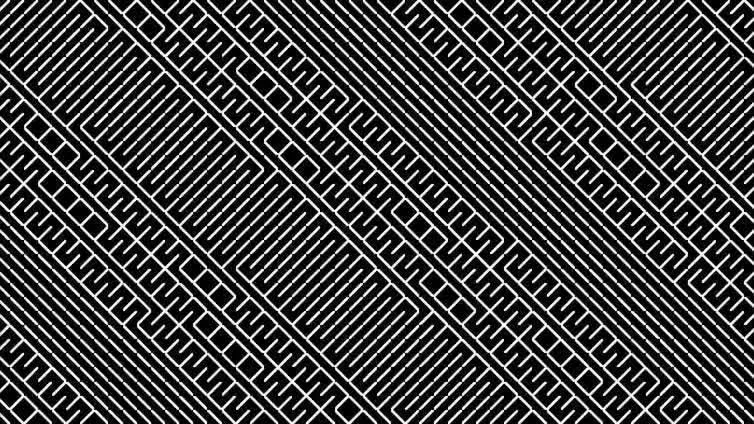
Effortlessly browse ISF shaders to generate or manipulate visuals. Comes with a curated library of over 200 shaders, as well the ability to open any shader in an external text editor. Saving changes in the text editor are immediately reflected in Videosync.
Plugin SDK
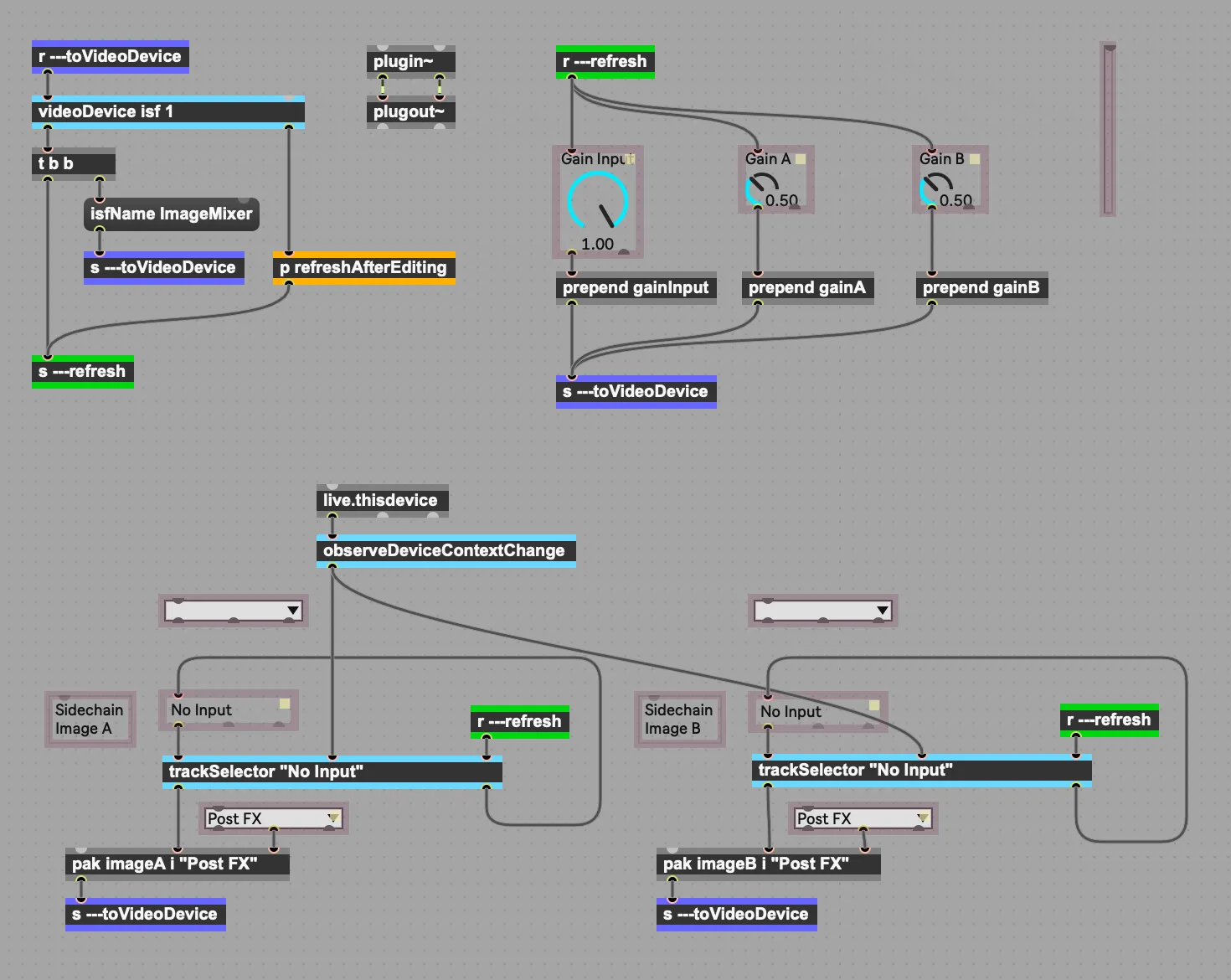
The Plugin Software Development Kit allows you to build your own image effects and generators with an interface in Max For Live, an engine in GL Shader Language (GLSL) , following the Interactive Shader Format (ISF) standard.
Multiple outputs
Use Live’s Return & Master channels as Spout or Syphon outputs, allowing up to 13 channels of video output into other applications.
Networked Mode
Increase redundancy and spread workload in your live shows by running Videosync on a separate computer.
Format support
Support for all standard video formats, as well as HAP*.
* The HAP codec is supported on macOS only.
New Videosync 2
Windows support
Videosync 2 marks the first release for the Windows platform, offering a fully-featured application identical to its macOS counterpart.
Videosync 2 on Windows is officially supported for use with Ableton Live 12 or newer.
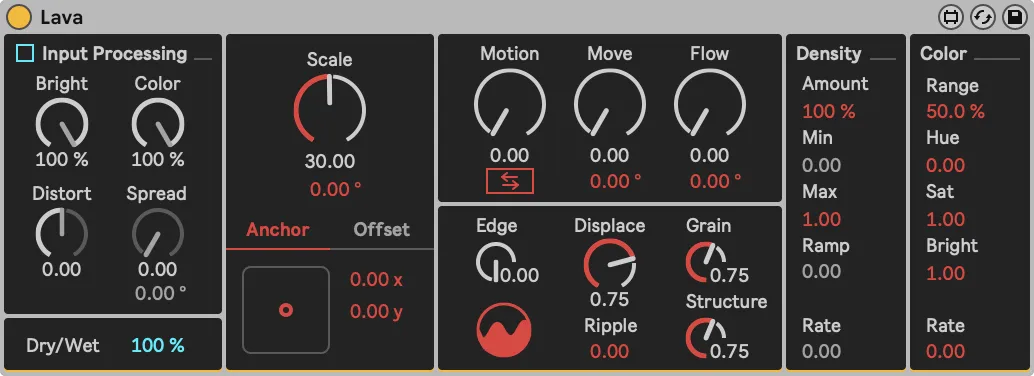
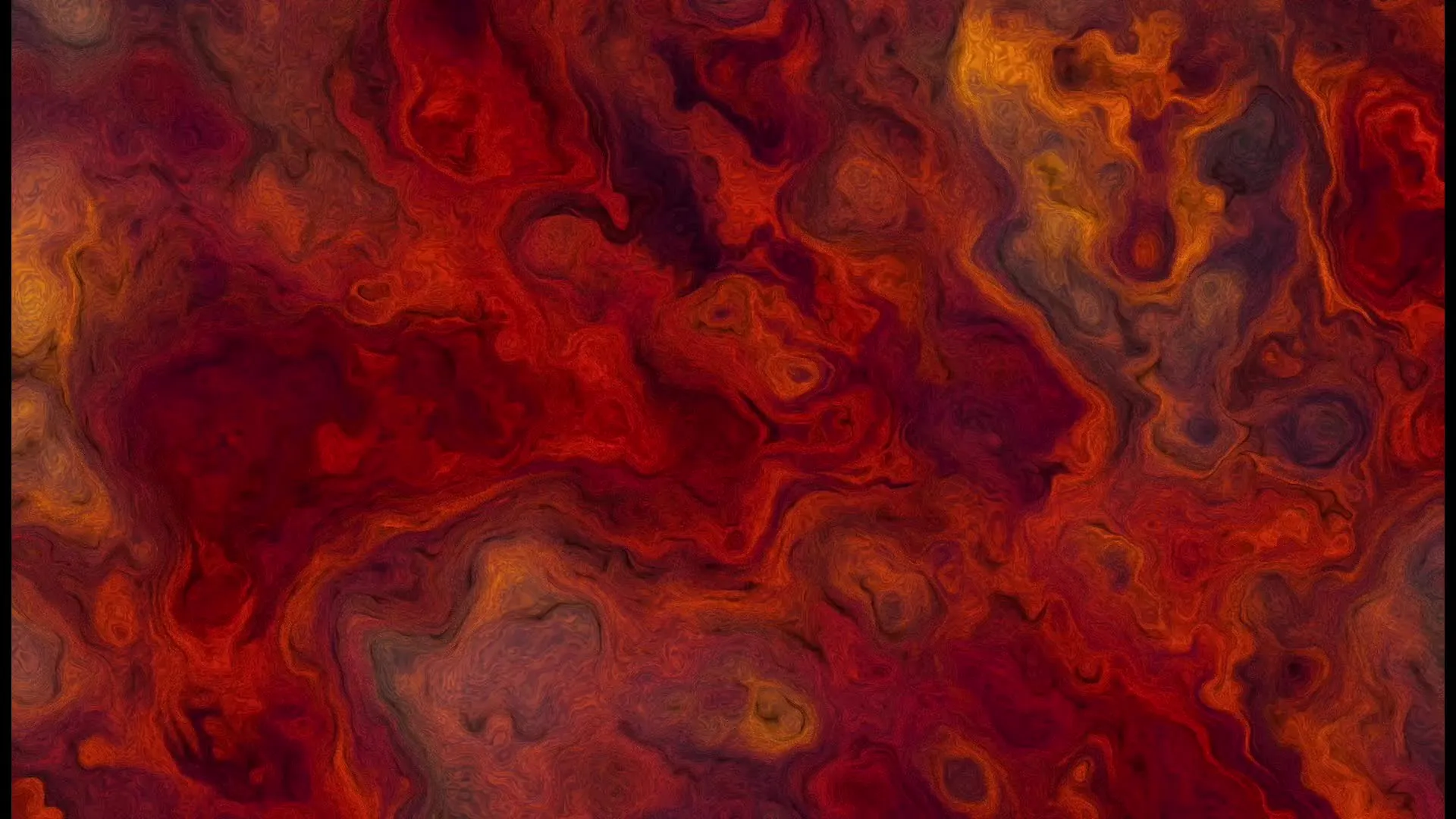
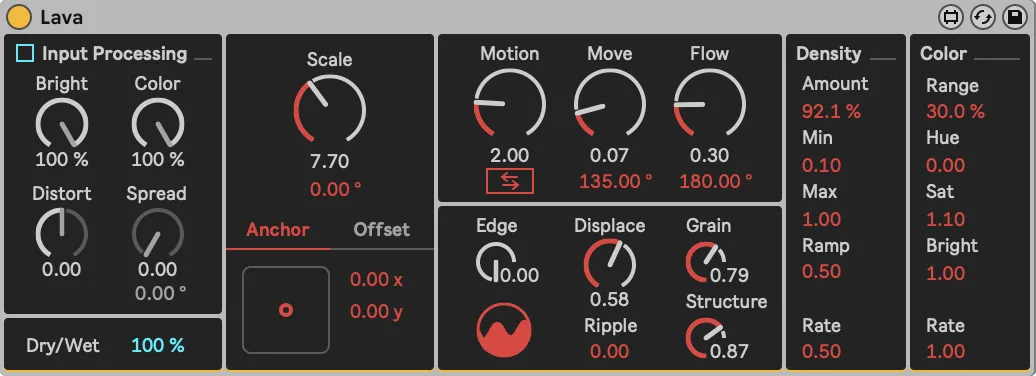
Lava by Tarik Barri
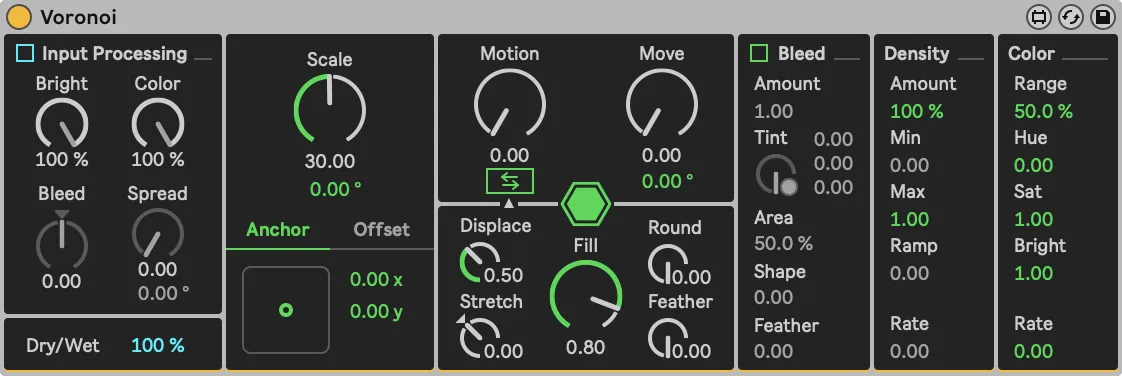
Akin to Voronoi, Lava is a hybrid between a generator and an effect. Its pattern creation and image manipulation algorithms draw inspiration from Brownian Noise, emulating the variability found in many natural systems, giving an organic quality to the plugin’s output.
New user interface
Videosync 2 introduces a new, streamlined user interface for both Windows and macOS. This elegantly designed interface brings together all essential settings into one convenient window.
Fully revised device suite
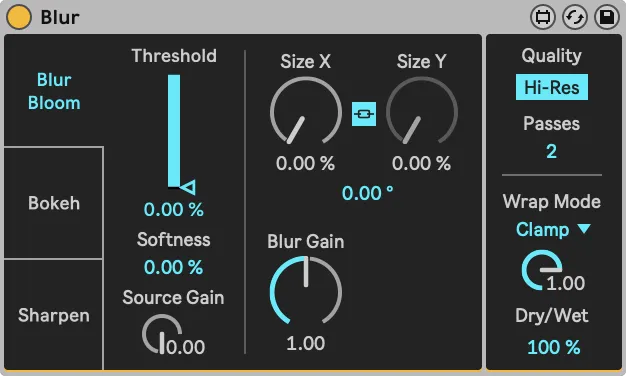
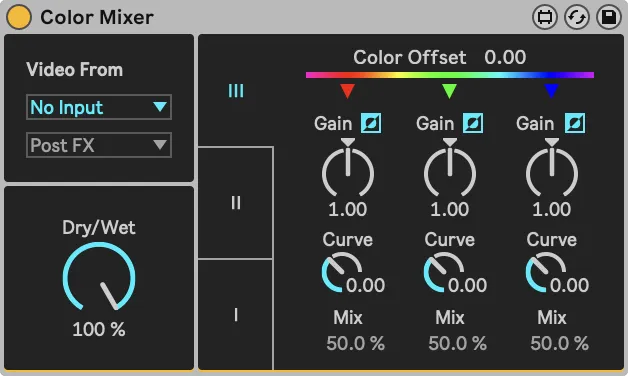
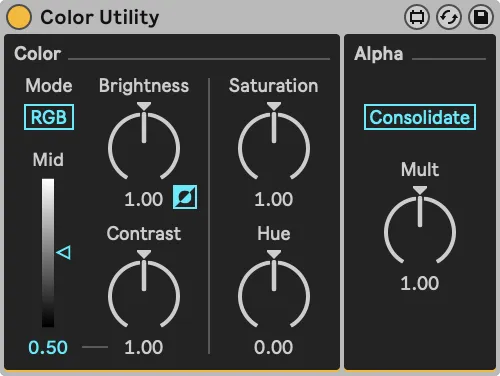
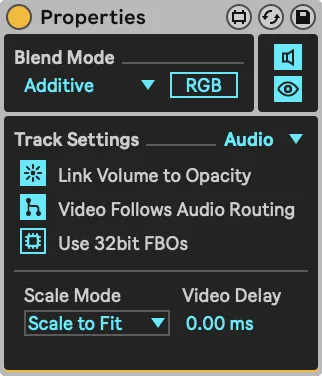
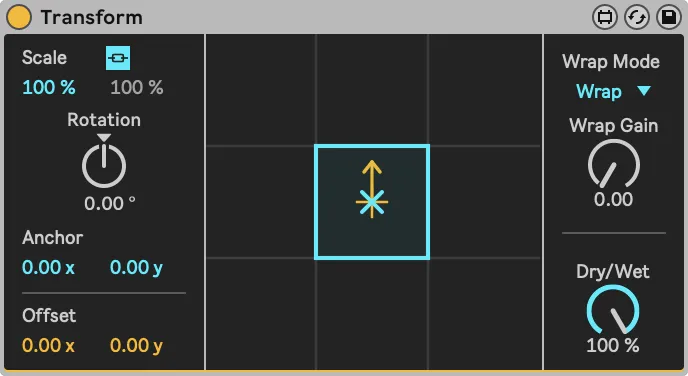
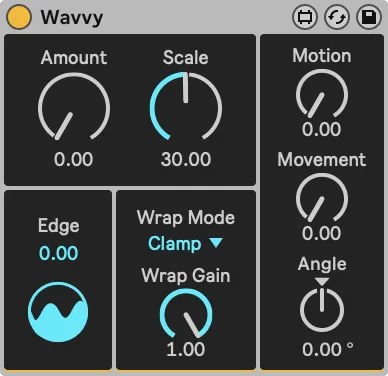
Every device in the suite has undergone extensive reevaluation and updates, with a focus on refining shader code to enhance both efficiency and the quality of visual output. Devices have been thoughtfully consolidated or separated based on their functionality, providing a streamlined and more user-friendly experience.
Improved blending and alpha handling
All blending modes have been enhanced, and alpha handling has been refined for increased flexibility and precision in compositing.
Detailed insights and applications will be explored in an upcoming blog post.
Oklab blending method
Most devices that deal with color now include a toggle to switch to the Oklab blending method. Regular RGB mixes colors with linear interpolation over the RGB channels. Oklab mixes the colors according to the Oklab color space, which generally produces more uniform looking transitions in terms of perceived brightness and color.

Select edition
Videosync
- Session View video playback
- Arrangement View video playback
- Main Spout/Syphon Out
- Return Tracks Spout/Syphon Out
- 22 Video plugins
- Plugin SDK
- Blend Modes
- Networked Mode
Videosync Intro
- Session View video playback
- Arrangement View video playback
- Main Spout/Syphon Out
- Compatible with Live 12 Intro
Educational discounts available. Click here for more information.
Bundle visuals with lighting
Purchase Beam for Live and Videosync together and receive a discount of 10%
Buy the bundle