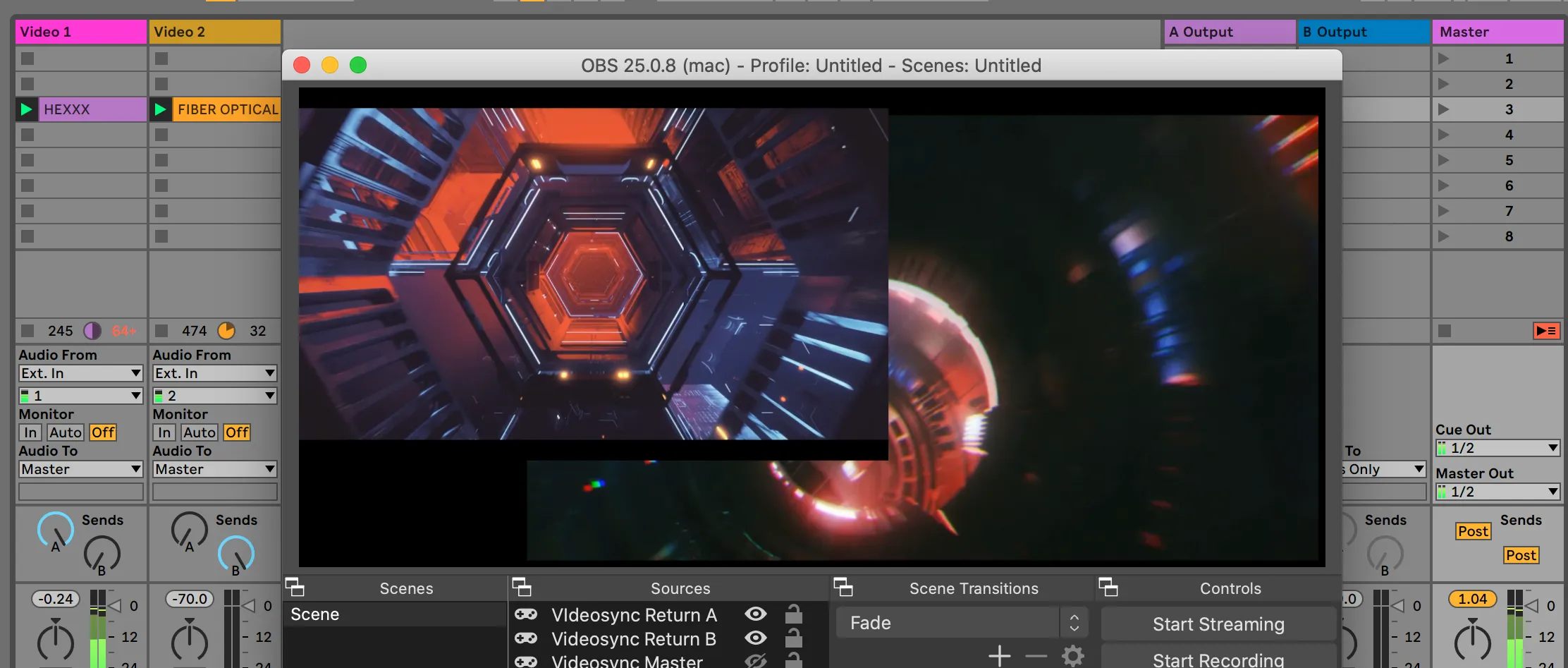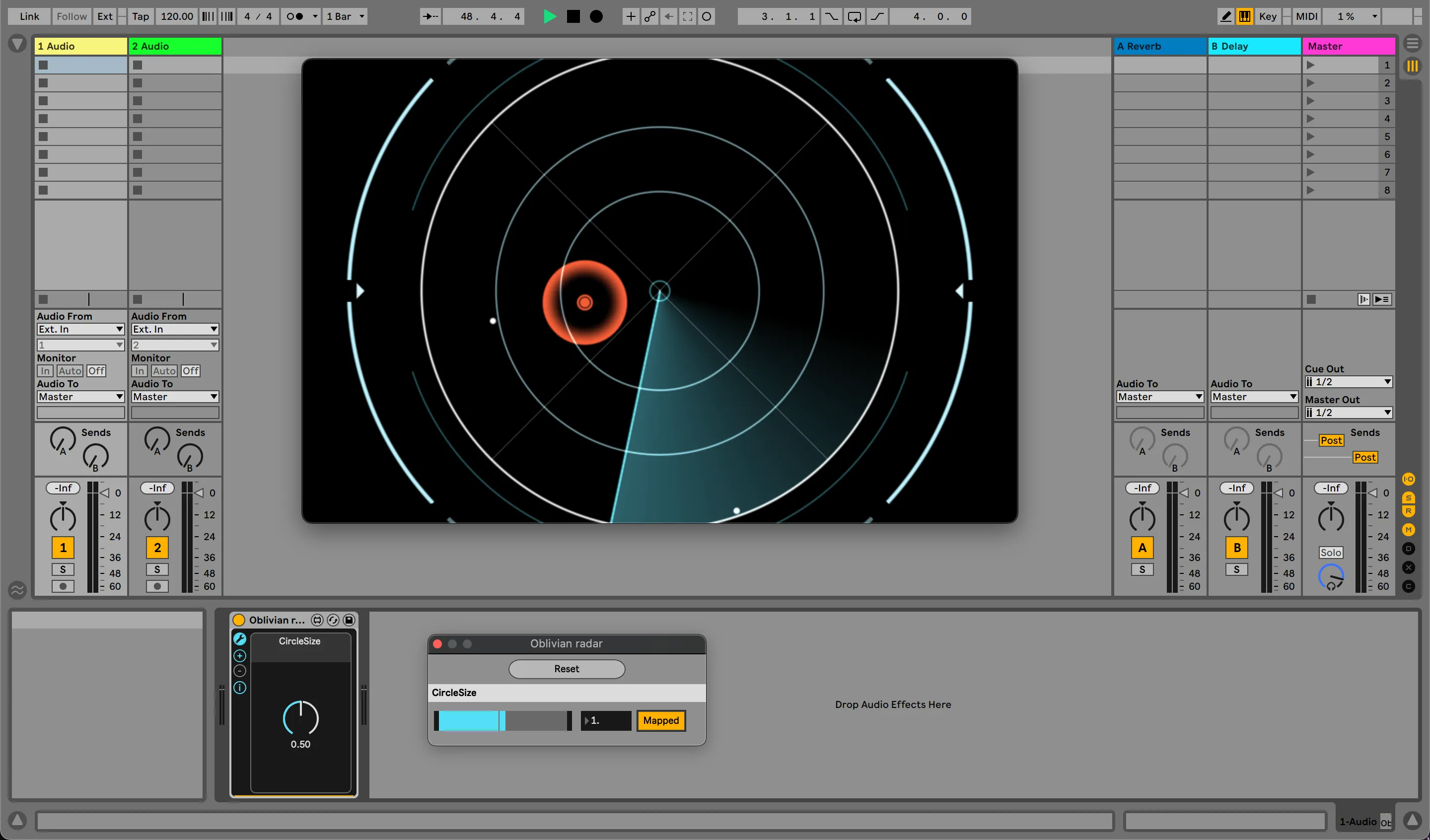
Dear all, today, more than a decade after Videosync went on its first tour, five years after its first public release and three years after we launched the first commercial version, we are finally ready to bump the version number to 1.0.
You can now download Videosync 1.0 from the website! It is a completely free upgrade for our loyal users who have supported us over the past three years.
For those interested in the journey that led up to where we are now, we invite you to take a trip down memory lane with us in A brief history of Showsync.
Announcement trailer
1.0, why now?
Well, things generally take long here because we are perfectionists. While that does not always result in a barrage of shiny features, it is good for our products’ performance and robustness, as you can tell by our quick native Apple Silicon adoption. We spend a lot of time brushing, flossing and polishing our code because we have done a lot of touring ourselves, and we know how important it is that software always works.
But this version is unique. Apart from all the real-life testing and hardening, two things have been added with the introduction of Live 11 that we believe have always been lacking:
- Arrangement view support.
- Adjusting warp markers without the need to save the clip info.
Arrangement view support
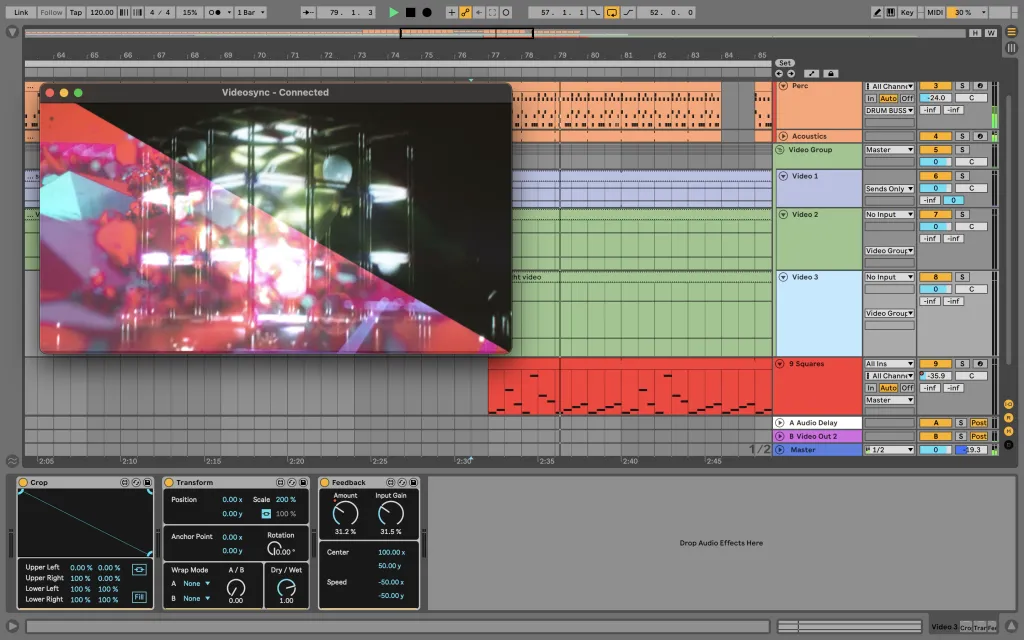
With Videosync 1.0 and Live 11, we are excited to introduce full support for the Arrangement View. Additionally, you can now adjust Warp markers without needing to save the clip info, making your workflow more seamless and efficient.
Until now, those two things have been a source of confusion for some of our users. So with this taken care of, we can finally say that Videosync is fully mature.
Intro
There is more. Since we are now confident enough to say “1.0”, we decided to open Videosync up to a larger audience by introducing Videosync Intro. With Intro, you will not have access to the effect plugins, but video playback and mixing are fully supported. Since this doesn’t require Max for Live, you can now start performing with video with just a copy of Live 11 Intro and Videosync Intro.
Live 10
Is Live 10 still supported? Of course! Everything Live 10 has allowed you to do is still there. See the compatibility chart for the full overview.
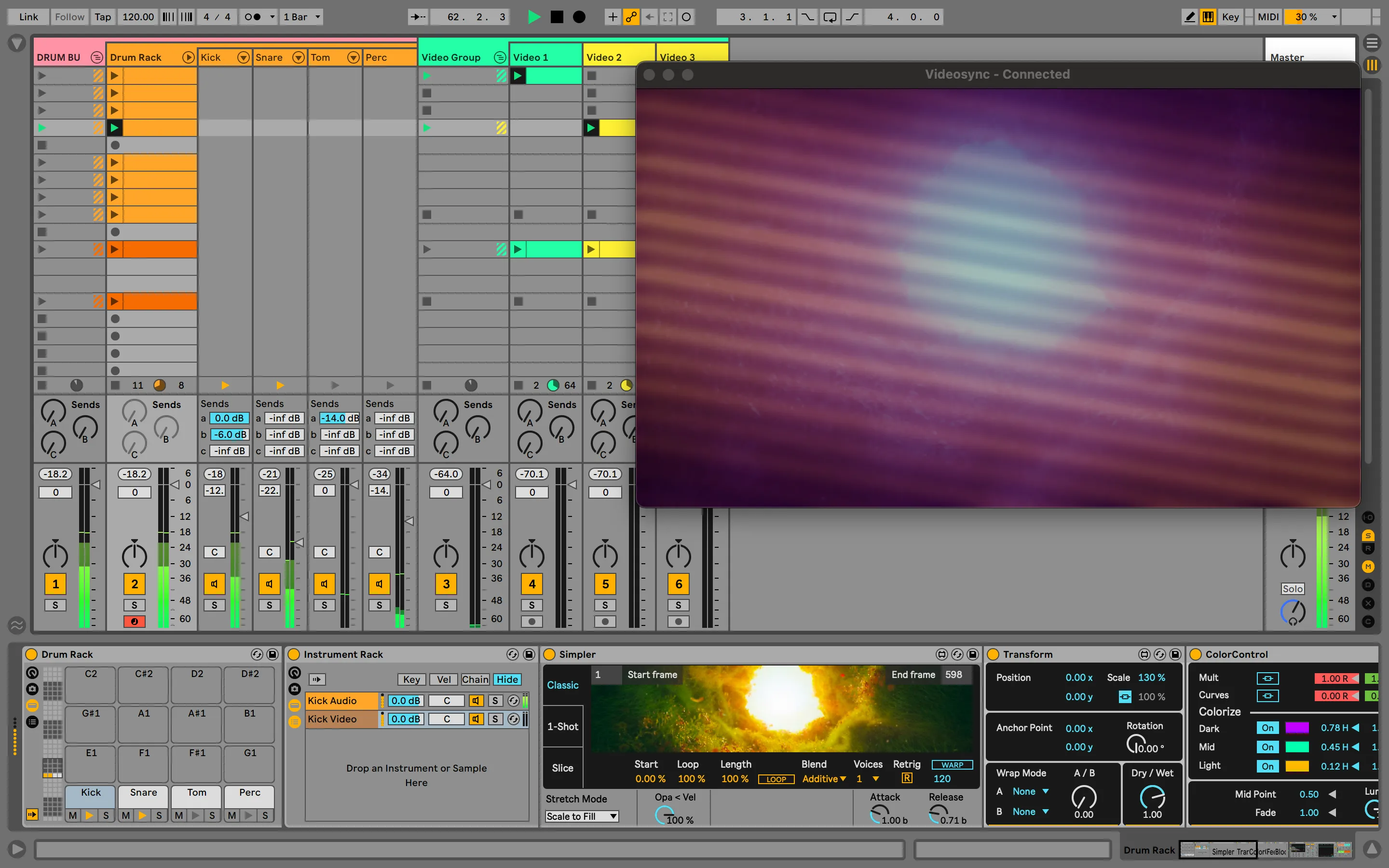
Live 10 still supports Videosync 1.0 in the Session View
Better integration with Beam
As a result of rigorous internal code cleaning, starting from 1.0, Videosync will no longer require a separate control surface. Videosync and Beam for Live can now both connect with a single control surface called Showsync.
Revisiting your set for 1.0
For 1.0 we have taken the opportunity to do some cleanups in our plugins. It was unavoidable to break compatibility with sets built before 1.0. However we have done everything we can to make the transition as smooth as possible. We’ve written a separate article on this blog about how to update with a special suite of compatibility plugins, to keep using your pre-1.0 sets with the latest version.
We will of course maintain backwards compatibility in all future 1.# releases.
Read the full 1.0 Release Notes here.